Conveyor Tracking for Pick and Place: How Robots Hit a Moving Target
By Omar Abdulhadi, PhD · October 12, 2026
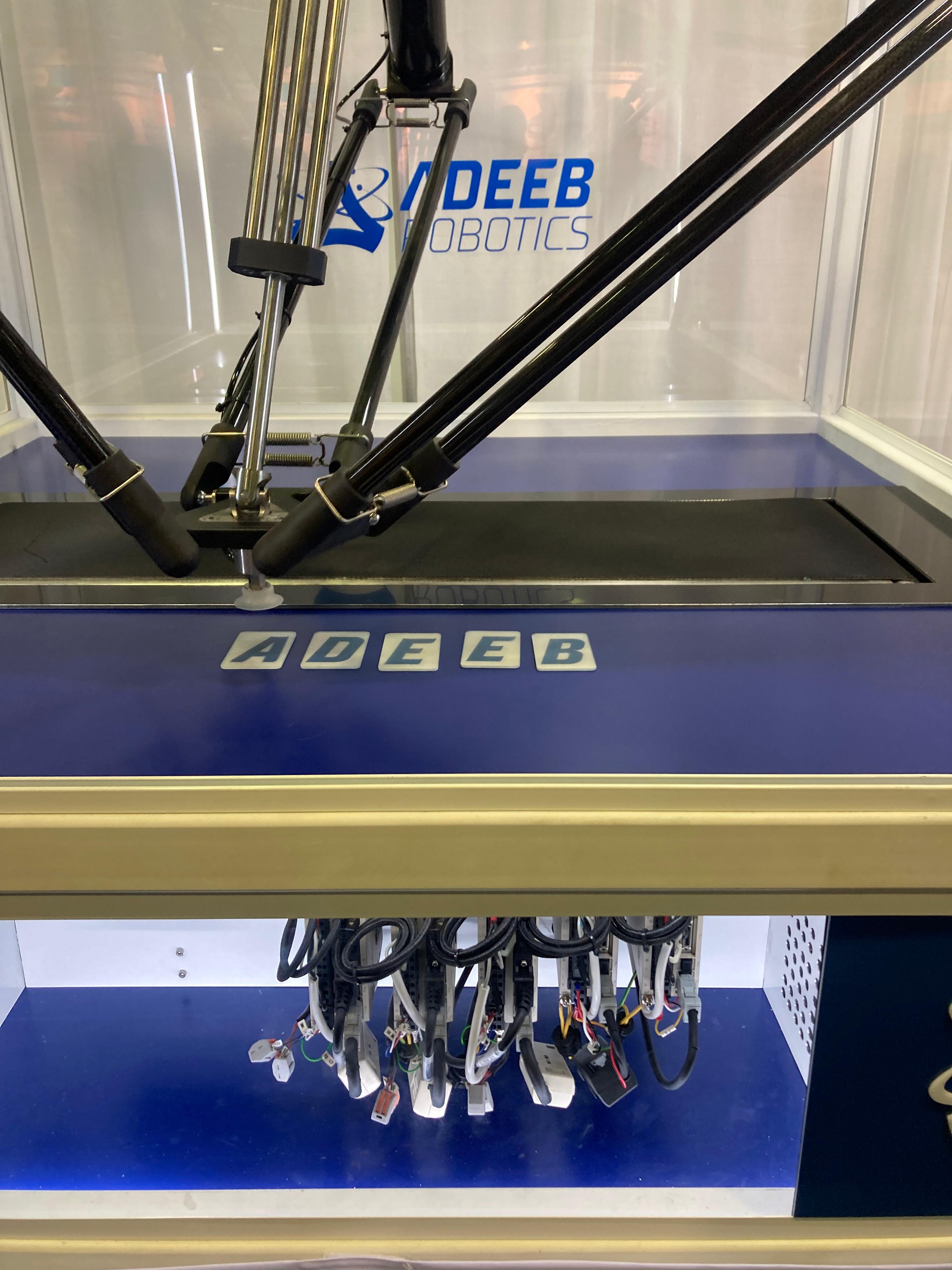
On a moving line, a robot never picks a part where the camera saw it. By the time the arm arrives, the belt has carried the part on. Conveyor tracking is the set of techniques that closes that gap: it tells the robot where the part is now, where it will be at the moment of the pick, and how to move with it while the gripper engages.
Here is how robot conveyor tracking works, where it fails, and how the Adeeb Robot Controller handles it.
What Conveyor Tracking Has to Solve
Every conveyor-tracked pick answers four questions in sequence:
- How far has the belt moved? The robot needs a continuous, accurate measure of belt position.
- Where was the part when it was seen? A camera detection has to become a position in the robot’s coordinate frame, tied to a specific belt position.
- Where will the part be when the robot gets there? The controller predicts an intercept point from belt speed and its own motion time.
- Can the robot follow it long enough to pick? The tool must match belt velocity during descent, grip, and ascent.
Get any one wrong and the pick misses, however repeatable the robot.
Encoder Sync: Measuring the Belt
Conveyor tracking starts with continuous belt position in millimeters. Most cells get it with an encoder on the conveyor drive or a dedicated measuring wheel, read by the motion controller on the same cycle as the robot axes.
Two details matter here:
- Scaling. Encoder counts must convert correctly to linear belt travel. That depends on pulley radius and the drivetrain between the encoder and the belt. A small scaling error grows with every millimeter the part travels before the pick.
- Timing. Belt position must be sampled in the same deterministic cycle as the robot. If the belt reading and the robot command come from different clocks, the error shows up as picks that drift with belt speed.
Camera-to-Robot Calibration
Calibration maps camera pixels to robot millimeters: where the camera sits relative to the world frame, and where the conveyor sits, including its direction of travel and height.
If the camera frame is off, every pick is off by the same amount. If the conveyor frame is off, the robot follows the belt along the wrong direction or at the wrong height, and the error grows with distance travelled. We covered how to set both frames quickly in Conveyor and Camera Calibration from an iPad.
Latching the Part’s Position
A detection is only useful if it is tied to the belt position at the moment the image was captured. This is called latching: the controller records the belt encoder value at the exposure instant and stores the part position relative to the belt, not relative to the floor.
From then on, the part’s current position is simply its latched position plus the belt travel since capture. Camera triggering matters here. A trigger synchronized to the motion network, as in the EtherCAT-triggered camera in our pick-and-place configuration, keeps the latch tight. A free-running camera with unknown latency smears it.
Predicting the Intercept and the Pick Window
With a latched, belt-relative position, the controller predicts where the part will be when the robot can reach it. It must account for the robot’s own travel time, which depends on where the tool is and its motion profile limits.
The pick window is the stretch of belt where the part is reachable. It starts where the part enters the robot’s workspace and ends where the part leaves it. A pick has to start early enough that descent, gripper engagement, and ascent all finish inside the window.
| Factor | Effect on the pick window |
|---|---|
| Faster belt | Part crosses the workspace sooner; less time per pick |
| Longer descend distance | More time spent tracking during each pick |
| Slower gripper engagement | Robot must stay synchronized with the belt longer |
| Robot speed limits | Caps how quickly the tool can reach and match the part |
During the pick itself, the tool tracks the belt: it matches belt velocity while descending, waits for the end-effector to engage, and ascends, all while moving downstream with the part.
Common Conveyor Tracking Failure Modes
Most tracking problems trace back to one of these:
- Encoder scaling errors. Picks land consistently short or long, worse for parts picked further downstream.
- Calibration drift. The robot, camera, or conveyor moved after commissioning. A slightly rotated camera mount produces errors that change across the belt width.
- Latch timing. Uncompensated camera latency causes errors that scale with belt speed.
- Belt speed beyond robot capability. If the belt outruns what the robot can match within its velocity limits, the controller faults or the part leaves the window.
- Parts arriving too close together. The robot cannot finish one pick before the next part leaves the window, so parts pass unpicked.
- Missing parts. The robot waits for a part that never arrives; a pickup timeout keeps the cycle from stalling.
How the Adeeb Robot Controller Handles Conveyor Tracking
Conveyor tracking is native to the Adeeb Robot Controller, not an add-on. The pieces above map directly onto its configuration and API, documented in the Motion Controller API reference.
The conveyor is an axis
In the controller config, the conveyor is defined as a linear axis in millimeters. Its gear ratio is set from the pulley radius and drivetrain so that motion resolves correctly in millimeters and millimeters per second. The controller usually does not drive the conveyor itself, so the belt speed is passed to the conveyor-tracking API. The Linux setup walkthrough shows this end to end.
Camera and conveyor positions
Camera and conveyor each carry a six-value position relative to the world frame: X, Y, Z in millimeters and three rotations in degrees. Each conveyor also lists which cameras track objects on it, its width and length, the descend distance used during pickup, and the end-effector engage delay. Those last two values define how long the robot tracks the belt during each pick.
Intercept, track, descend, ascend
The API exposes the cycle as explicit steps (intercept, track, descend, ascend) plus combined pickup and drop-off calls. A configurable conveyor pickup timeout sets how long the controller keeps looking for a part, and a dedicated “conveyor part not found” error reports when it gives up.
Autorun
For standard cycles you skip those calls. The autorun feature picks parts from the tracked conveyor and places them into a container, computing each drop-off position from the box and part dimensions. It coordinates with the line through a start and done signal. The configuration-first approach behind it is covered in No-Code Pick-and-Place.
FAQ
Do I need an encoder for conveyor tracking?
An encoder gives the most robust result because it measures actual belt travel. A nominal belt speed can work on a well-regulated conveyor, but any speed variation becomes placement error.
Why do my picks get worse at higher belt speeds?
Speed-dependent errors usually point to timing: uncompensated camera latency or belt position sampled out of sync with the robot. The robot may also be hitting its velocity limits.
Can conveyor tracking work with a robot-mounted camera?
Yes. On Adeeb turnkey delta solutions the camera is fixed-mounted on the robot, so its position rarely changes after installation; at most, the rotation about Z may need a small correction.
Put Conveyor Tracking on Your Line
If you are planning a vision-guided cell on a moving conveyor, start with the Adeeb Robot Controller and pair it with the Adeeb Delta Robot. Request a demo to see conveyor tracking running on a live cell, or contact us to talk through your belt speed, parts, and containers.